Mirror Speak
Speak to your front camera. Posture, pitch, volume and pauses are read on the phone; after the take you get pace, fillers and the one thing to fix.
Wordojo › Android app
Daily speaking and writing practice for Android. Talk to the Mirror, rehearse in AI role-play rooms, write with a red-pen editor, and earn belts as you improve.
Free · Private early access: sign-in is invite-only for now · No ads
 Inside the app
 What it does
Wordojo has two modes that share one streak, one XP total and one belt. Speak trains your voice; Write trains your pen.
Speak to your front camera. Posture, pitch, volume and pauses are read on the phone; after the take you get pace, fillers and the one thing to fix.
AI role-plays for the conversations that matter: a sceptical CFO, a sixty-second pitch, a price negotiation. Scored on clarity, confidence and fillers.
Thirty-day speaking tracks for confidence, clarity and presence, one short mission a day.
Great speeches in English, Hindi, Bengali and Spanish, studied line by line.
Draft posts, reels, emails, memos, decks, speeches and stories, then let the AI house editor mark them up, one fix at a time.
A ninety-day writing path of ten-minute pages, one skill per phase.
101 books for writers with why to read each and three ideas to use. Sixteen classics open in the app and work offline once opened.
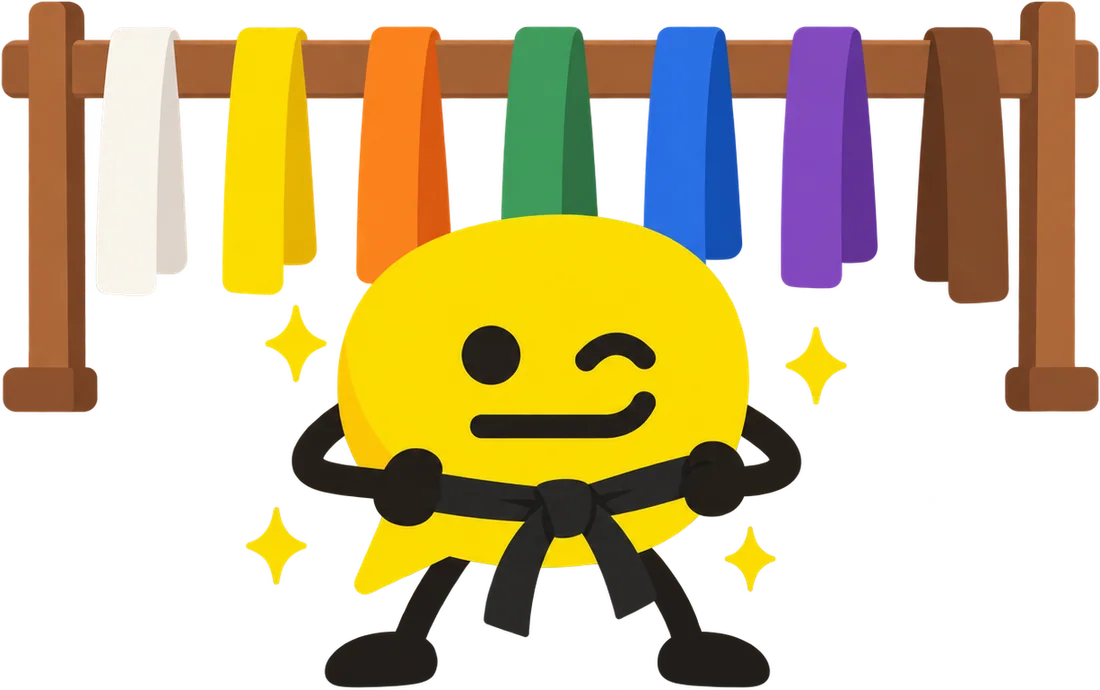
Ten levels from white belt to black, daily quests, a weekly event and a home-screen widget.
 Release notes
SHA-256 of the current file: f486be0a1334ed3f4a0a5cd1344c7072978987a047856ad2185948b2a00924ff
Install
 Requirements and permissions
| Android | 8.0 or later |
|---|---|
| Size | 17.8 MB |
| Microphone | Speaking practice, dictation and the Mirror's voice readings |
| Camera | The Mirror only. Read on the phone; never uploaded or saved |
| Notifications | Only the practice reminders you switch on |
| Internet | AI coaching, videos and sync. Most practice works offline |
| Price | Free during private early access. No ads |
Privacy
The Mirror reads your camera and microphone on the phone. Frames are never uploaded or saved.
No ads, no analytics and no selling data. Your practice syncs only to your own private account.
Your text goes to an AI service only when you use an AI feature, and only for that request.
Yes. Wordojo is free during private early access, with no ads.
Android phones on Android 8.0 or later. iPhone and a web version come later.
Wordojo is in private early access, so it's shared as a signed Android app from wordojo.app. It will come to Google Play when it opens to everyone.
The app is signed by Neelverse Lab, and this page lists its SHA-256 checksum so you can check the file. Android only asks you to allow installs from your browser once.
Most of it does: practice, games, the Mirror's on-phone readings, your drafts and the library books you've opened. AI coaching, videos and syncing need the internet.
Microphone for speaking practice and dictation, camera for the Mirror only (read on the phone, never uploaded), notifications for the reminders you switch on, and internet for AI, videos and sync.
Version 2.1.0 for Android 8.0 or later. Free in private early access.
Download for Android